Scan QR
The customer scans a table, counter, room or takeaway QR code.

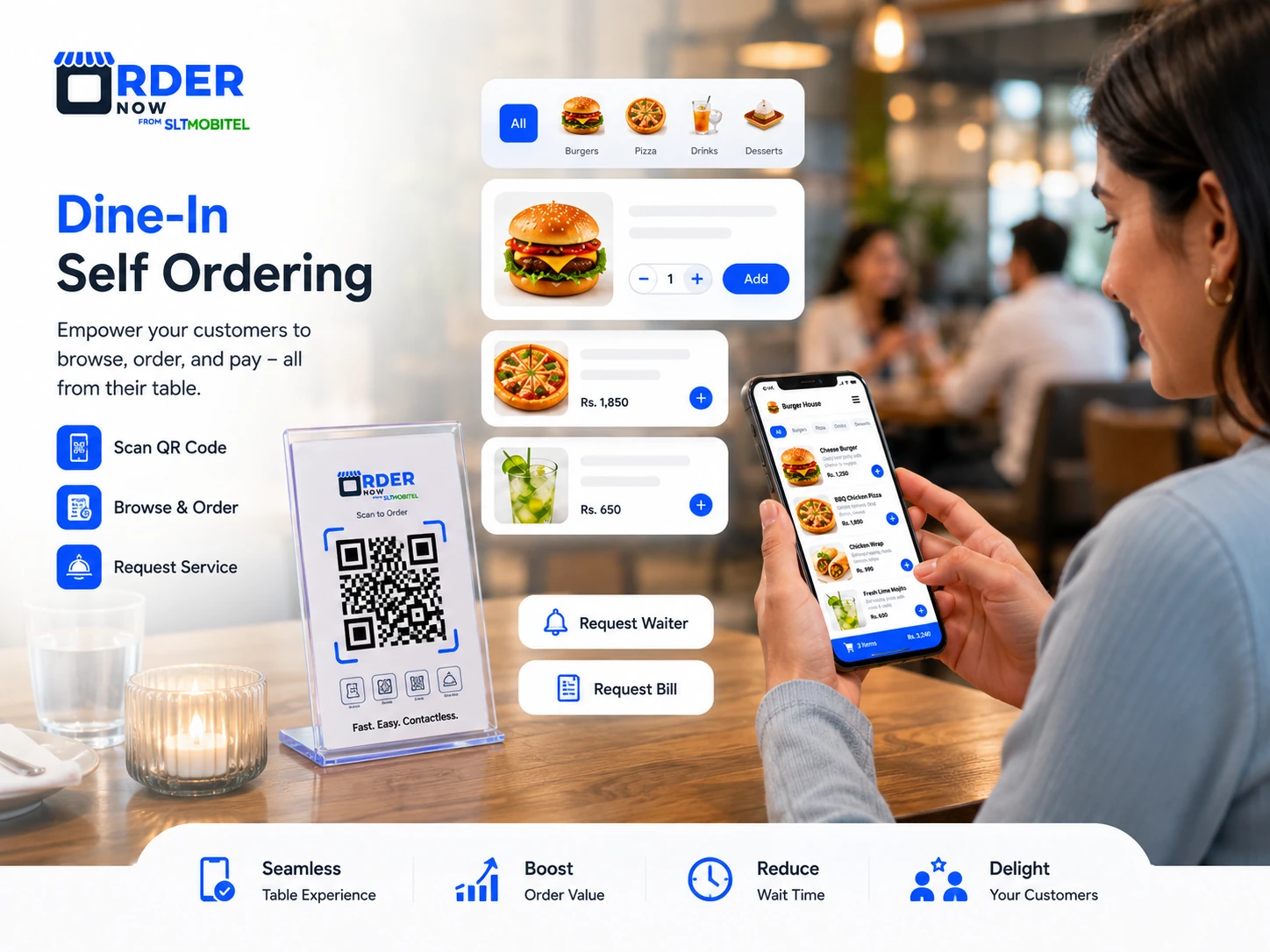
Let customers scan a QR code, browse your digital menu and place orders from their own phone. OrderNow helps restaurants reduce waiting time, improve order accuracy and connect QR ordering with POS, KOT and restaurant operations.
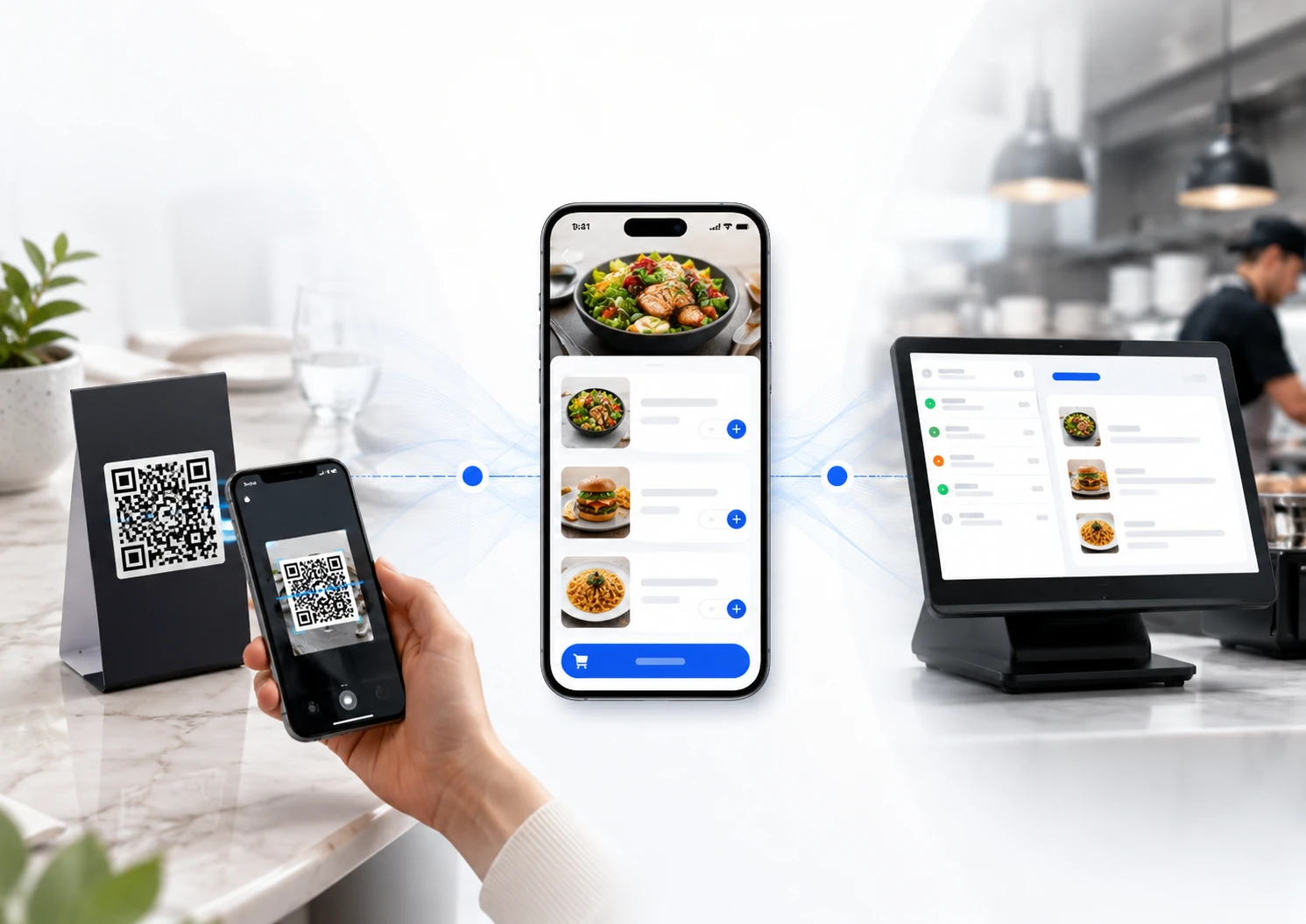
OrderNow QR menu is designed around a simple customer flow. Customers scan the QR code, browse the menu and place an order from their own phone.
The customer scans a table, counter, room or takeaway QR code.
They browse categories, images, prices, variations and item details.
The order reaches the restaurant workflow, including POS and kitchen routing when enabled.
When a restaurant is busy, staff cannot always reach every table quickly. QR menu ordering gives customers a faster first step while your team focuses on service, food preparation and order control.
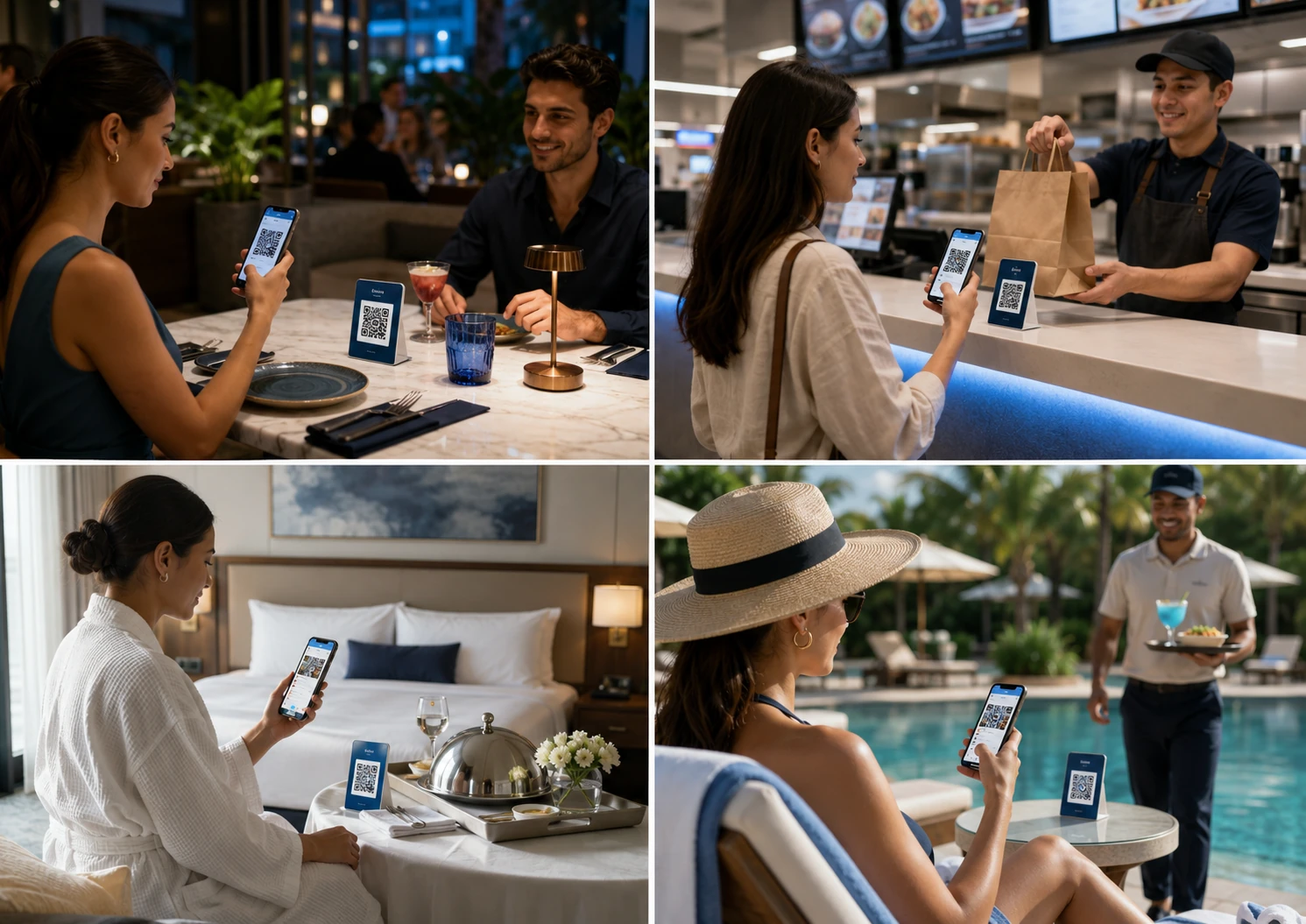
QR menus are not limited to table stickers. Restaurants can use them across multiple customer touchpoints to improve discovery, ordering and service speed.
For dine-in self-ordering and table-specific order routing.
For cafes, quick service restaurants and takeaway customers.
For room service ordering without printed menus.
For WhatsApp, Instagram, Facebook and Google profile traffic.
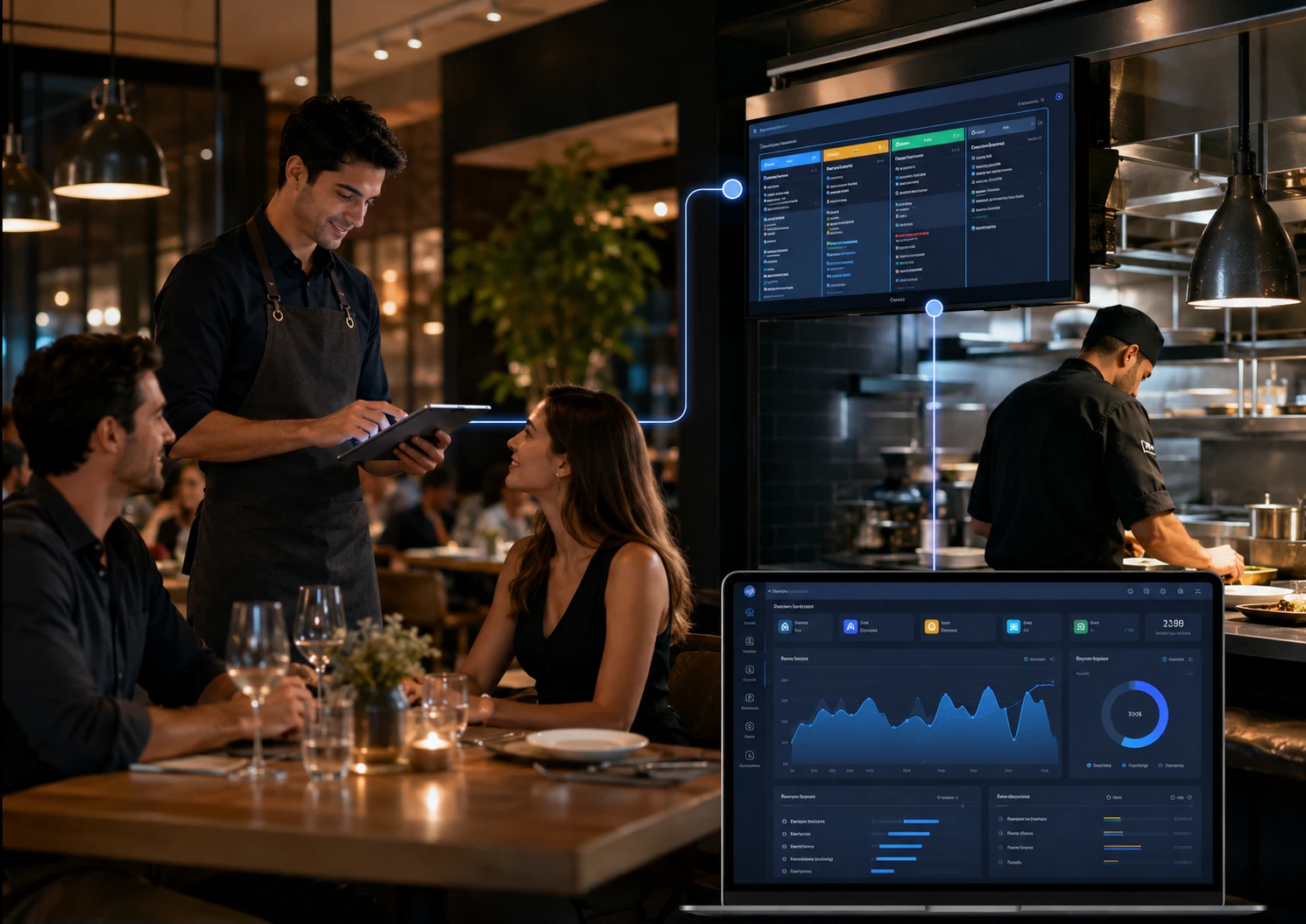
A static QR code only opens a file. OrderNow turns the QR menu into a live ordering channel connected to restaurant operations.
Update prices, images, availability and offers from the dashboard.
Let customers add items, customize orders and submit order details.
Route orders to POS, KOT or kitchen display workflows.
Support dine-in, takeaway and delivery using one platform.
Allow waiter calls, bill requests and WhatsApp contact actions.
Track scans, orders, menu performance and customer activity.
Restaurants lose money when customers wait too long, staff miss orders or kitchen communication breaks down. QR menu ordering gives customers a direct path to the menu and gives the restaurant a cleaner digital order trail.
A QR menu lets customers scan a QR code and open the restaurant menu on their phone without downloading an app.
Yes. With OrderNow, customers can scan, view the menu, add items to cart and place orders depending on restaurant settings.
Yes. OrderNow can support table or sublocation based QR codes for dine-in orders.
Yes. QR menu links can support dine-in, takeaway and delivery order flows.
No. It can work for cafes, hotels, bars, food courts, poolside service, outdoor catering and events.
No. Customers can open the QR menu using the mobile browser on their phone.
Send your menu or book a demo and we will show how customers can scan, view and order using OrderNow.
Fill this and it will open WhatsApp with the lead details ready to send.