Fast Restaurant POS
Touch-friendly order entry for dine-in, takeaway, delivery, walk-in and phone orders.

OrderNow POS helps restaurants, cafes and hotels manage orders, billing, payments, KOT, receipts, staff workflows and real-time reporting from one connected platform.
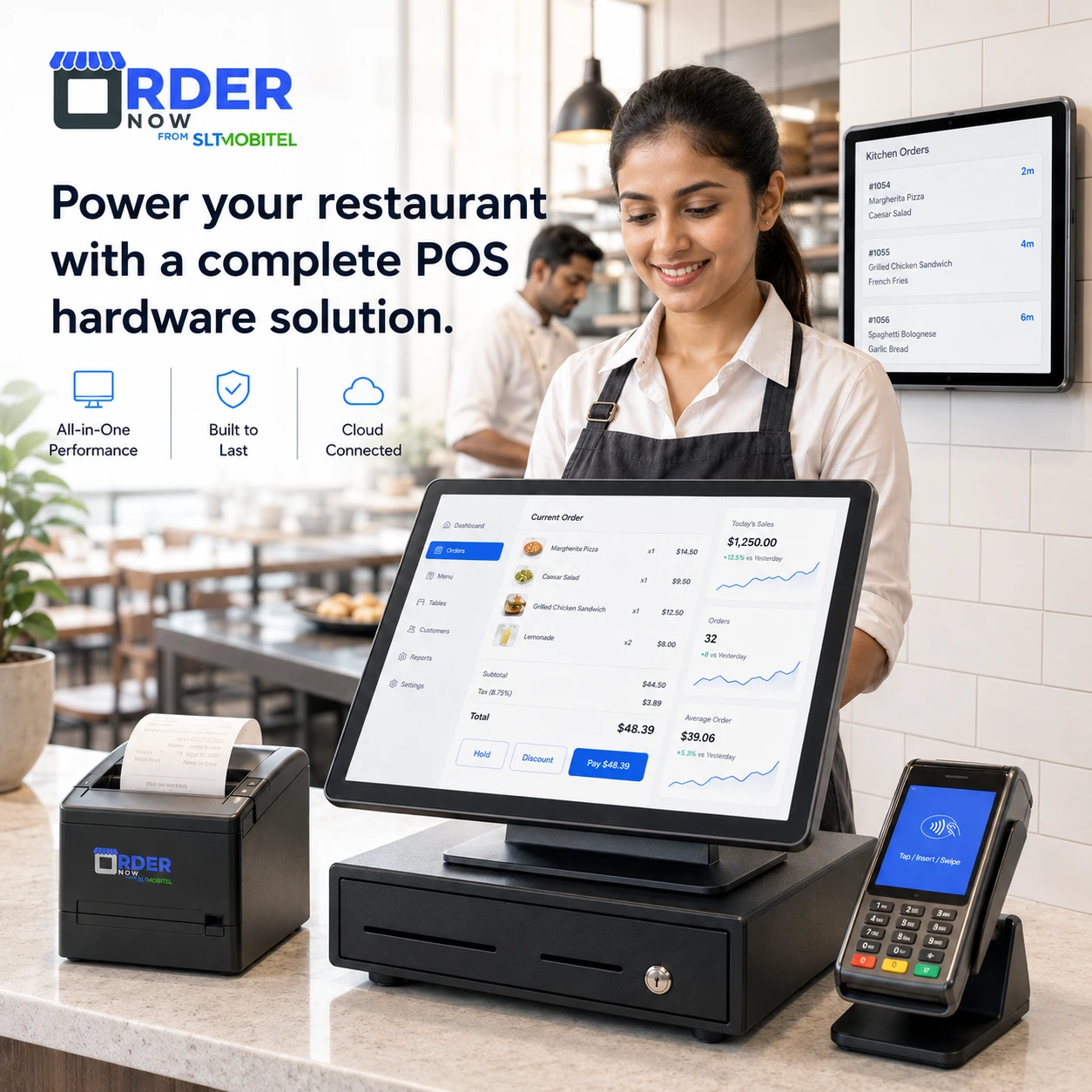
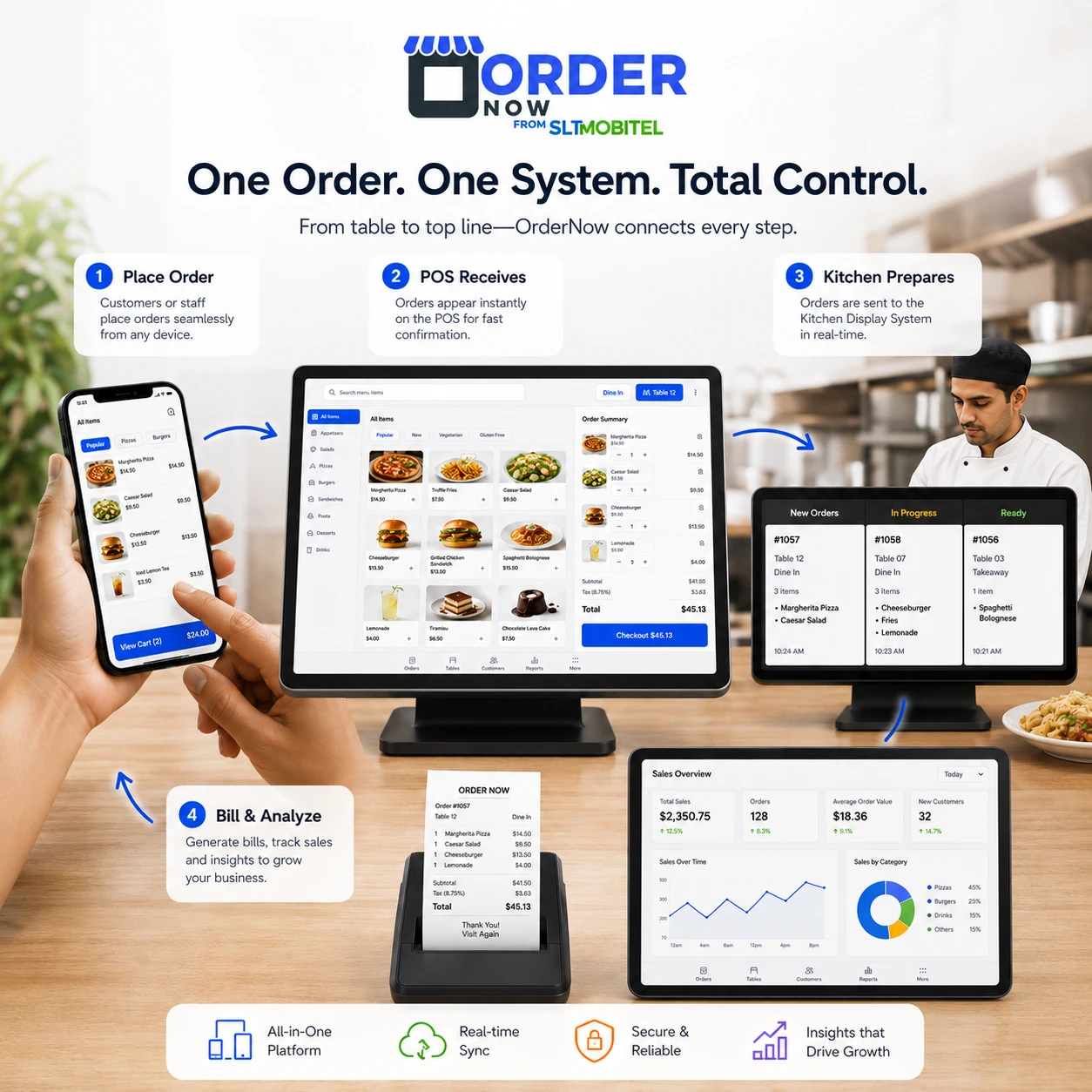
OrderNow POS connects customer orders, staff order entry, kitchen KOT, payments, cash drawer control, inventory deduction and sales reporting into one restaurant-first workflow.
Touch-friendly order entry for dine-in, takeaway, delivery, walk-in and phone orders.
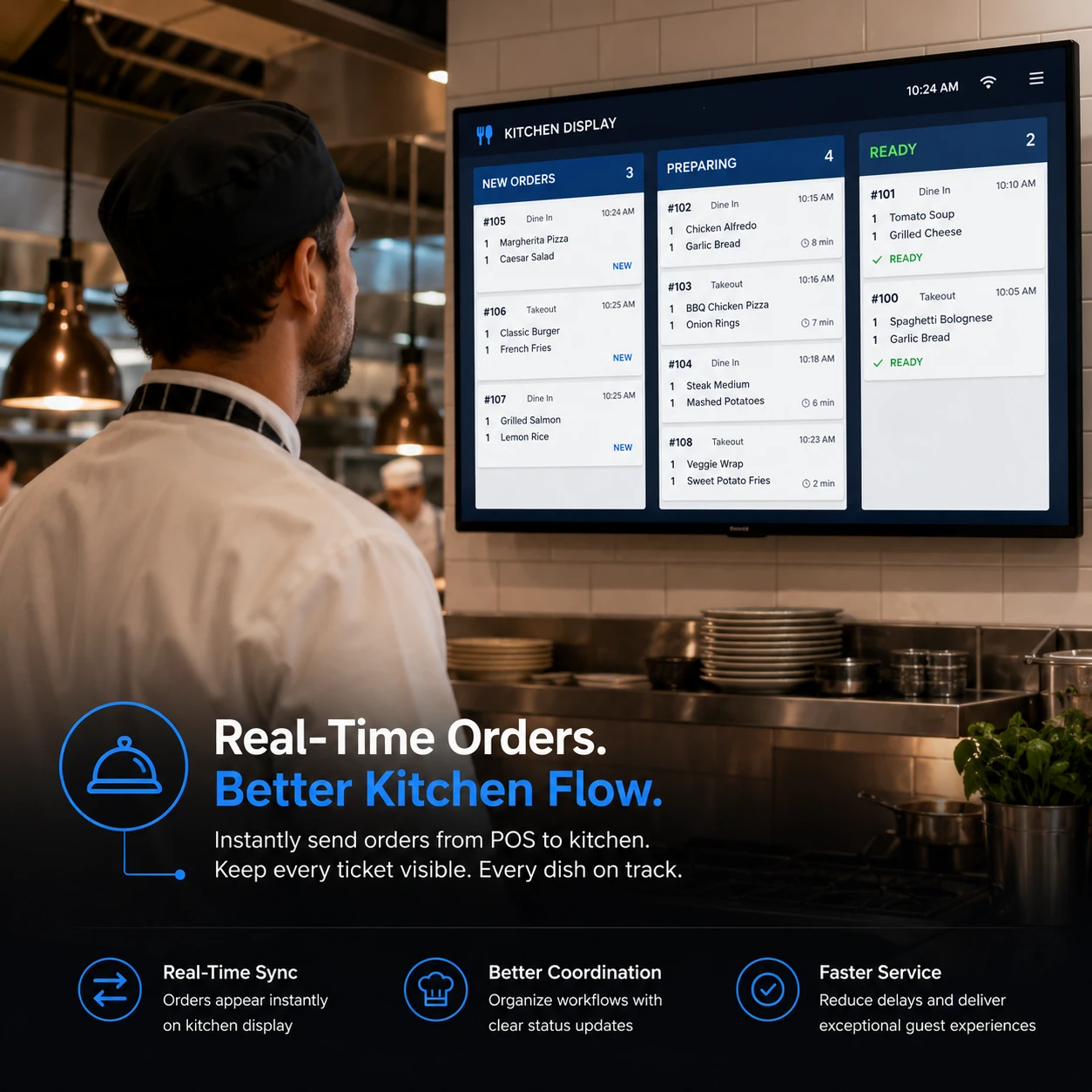
Send orders to kitchen displays or KOT printers with notes, quantities and live order progress.
Process cash, card machine, QR payments, online payments, split payments and digital receipts.
Manage cashier activity, opening balance, cash drawer flow, shift handover and end-of-day reports.
When orders are written manually, shouted to the kitchen or entered twice, mistakes happen. Tables wait longer, takeaway orders get delayed, kitchen staff lose track, cashiers struggle during rush hours and owners do not get clean reports. OrderNow POS is designed to remove this operational chaos.
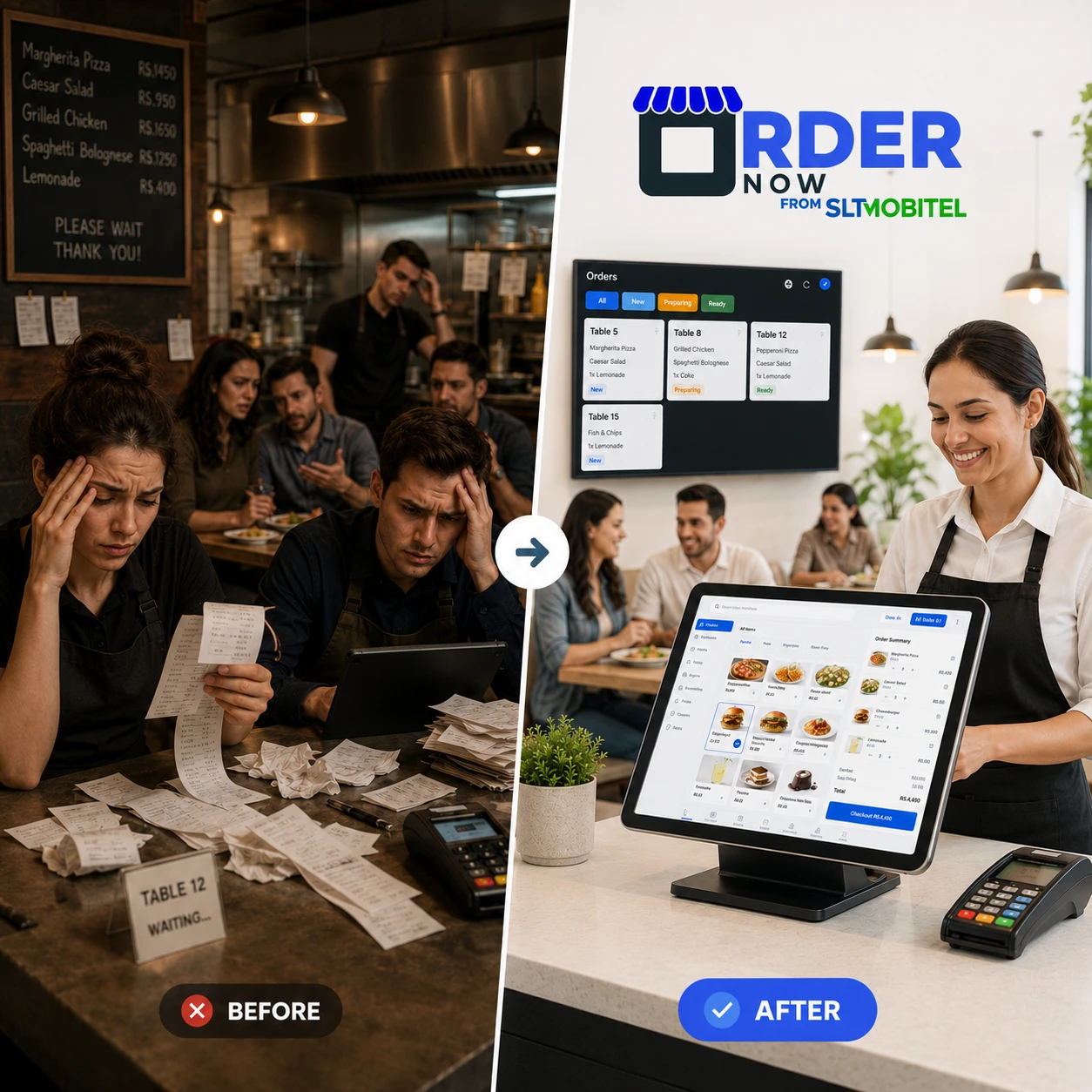
OrderNow POS connects the front counter, dine-in tables, takeaway, delivery and kitchen. Staff can create orders quickly, send them to KOT, update order status, process payments and print or send receipts without jumping between disconnected systems.
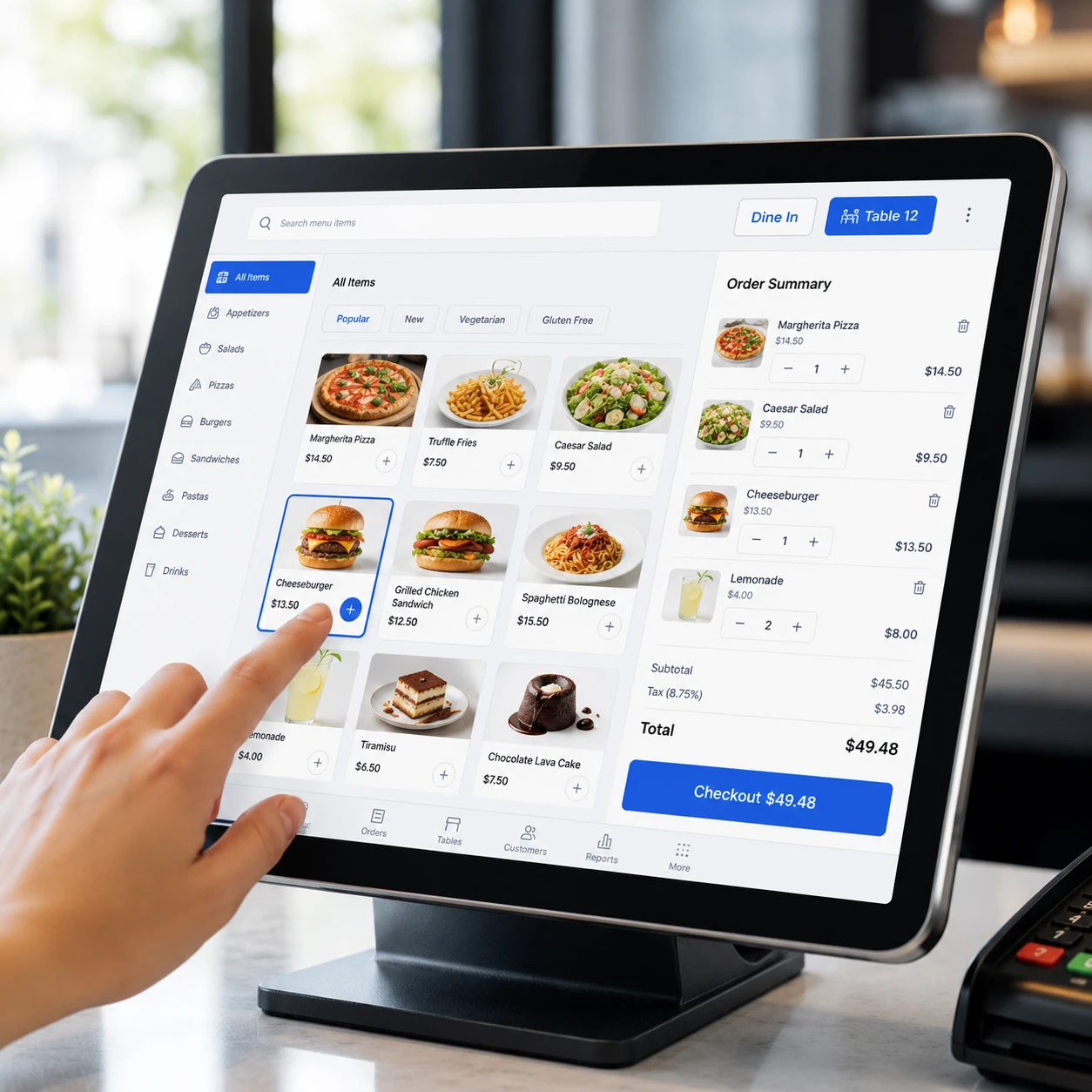
Your staff should not fight with the system during peak hours. OrderNow POS gives cashiers and restaurant staff a simple ordering interface with quick item selection, category browsing, search, quantity control and easy cart updates.
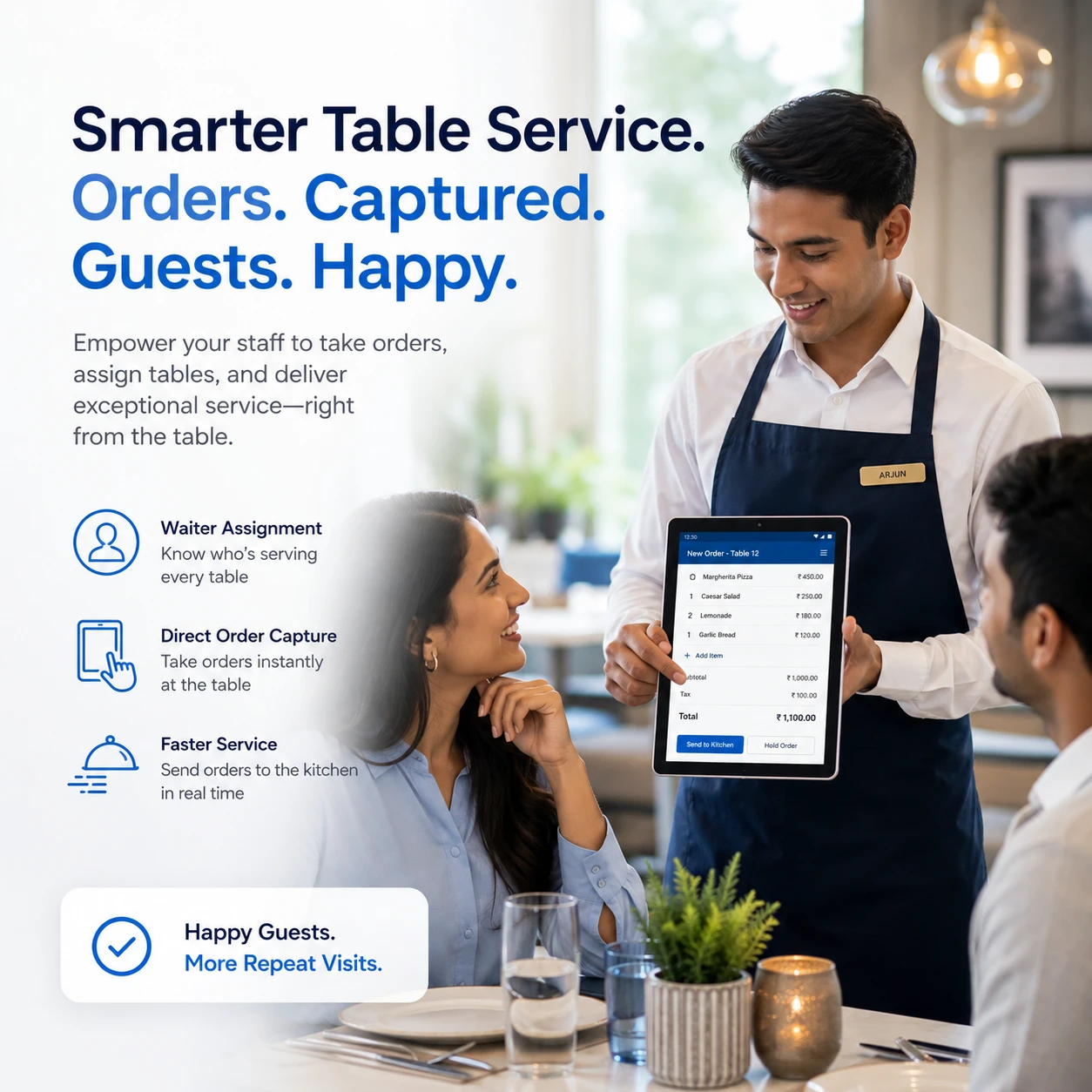
For dine-in service, OrderNow POS helps staff handle table-based orders, waiter assignments, order edits, bill requests and payments. It supports a smoother table service flow where staff can focus on guests instead of chasing paper orders.
Kitchen staff can receive incoming orders on a digital KOT or kitchen display screen. Orders can show item quantities, preparation notes, countdowns and progress, helping the kitchen prepare faster and reduce missed items.
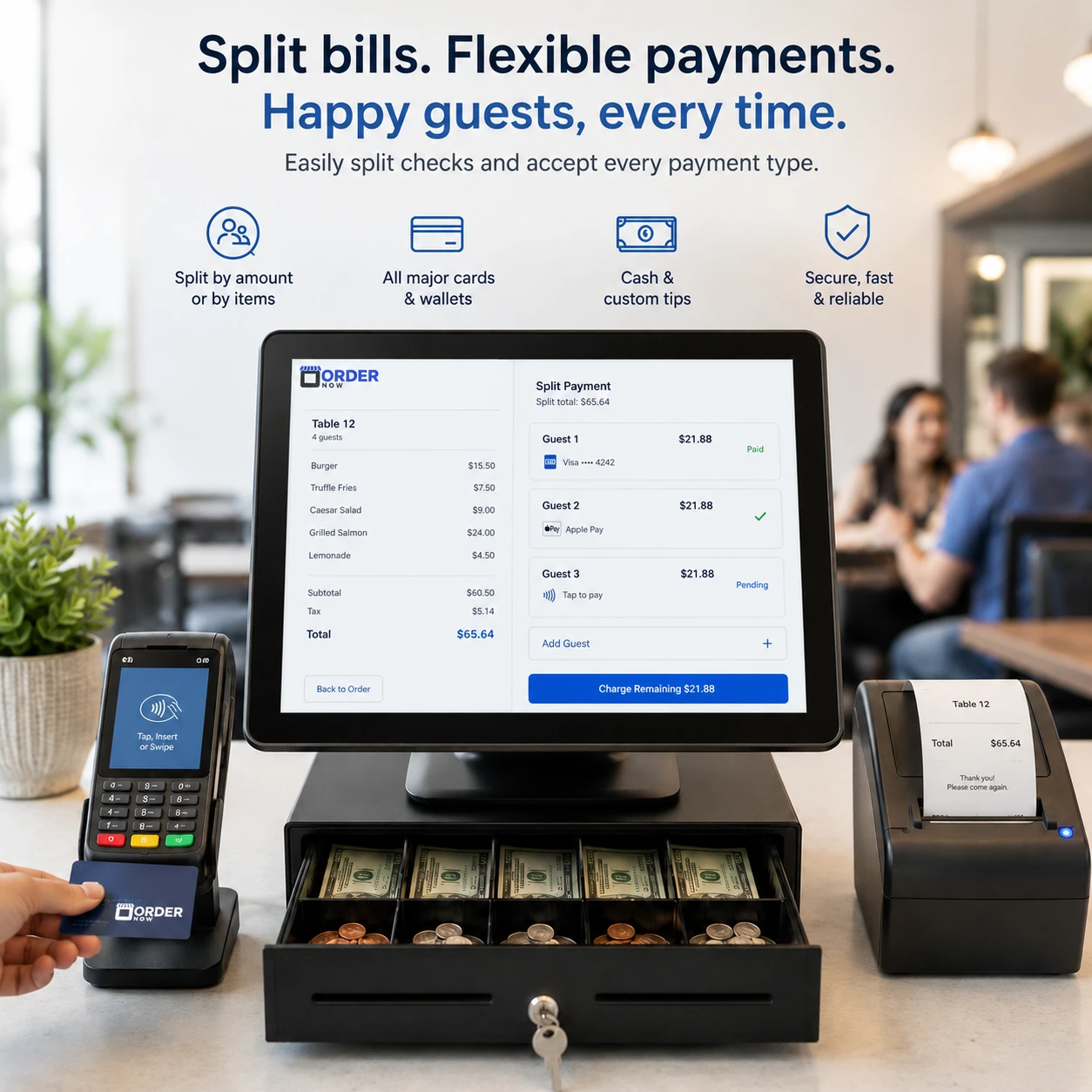
OrderNow POS supports multiple payment methods, split payment handling, cash drawer management and opening balance tracking. This helps restaurants close shifts faster and reduce billing confusion during busy service.
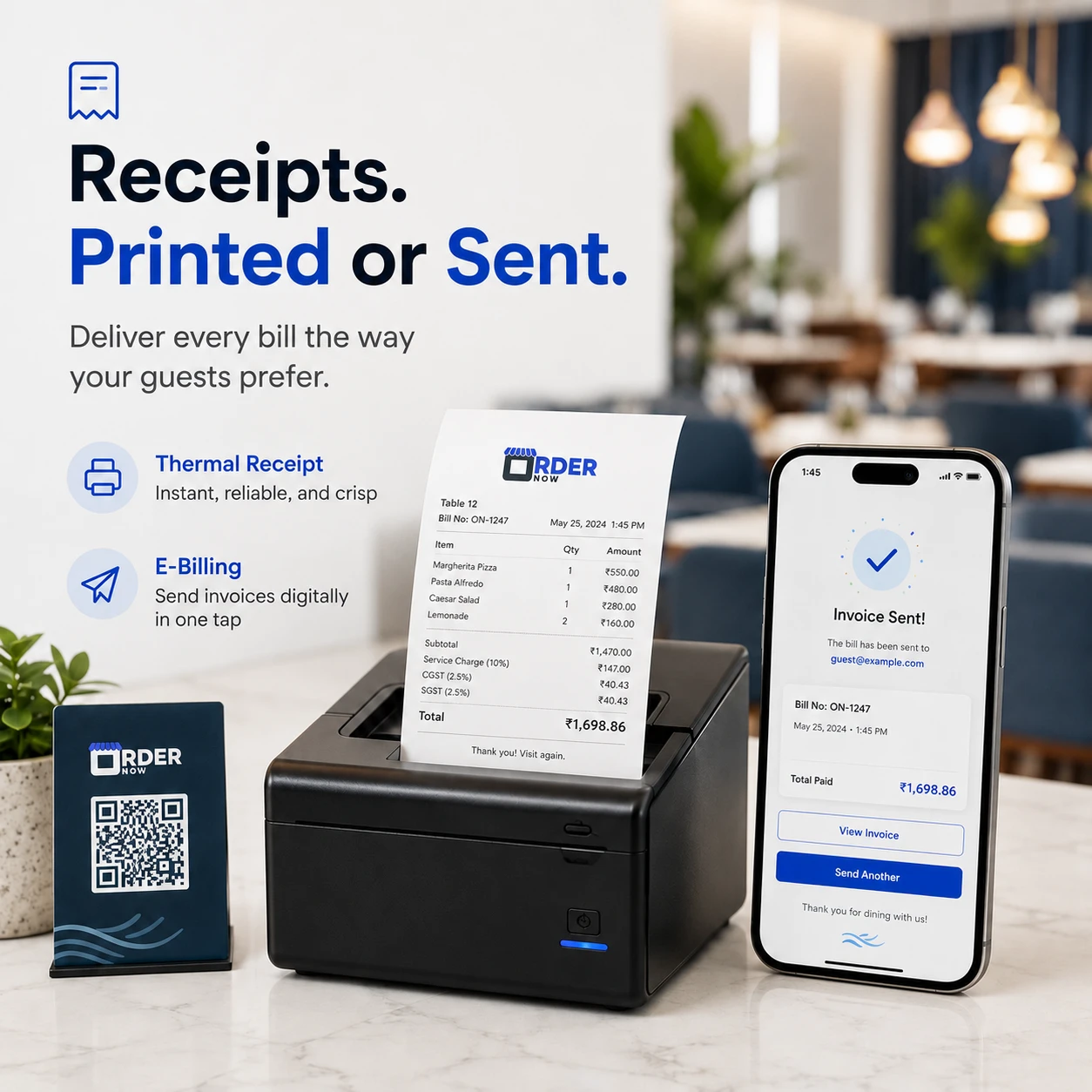
After payment, staff can print thermal receipts, email receipts or send digital bills depending on the restaurant workflow. This makes the billing experience cleaner for dine-in, takeaway and delivery customers.
Restaurants should not need separate systems for different order types. OrderNow POS supports dine-in, takeaway and delivery orders in one place, so staff can manage every order channel with better visibility.
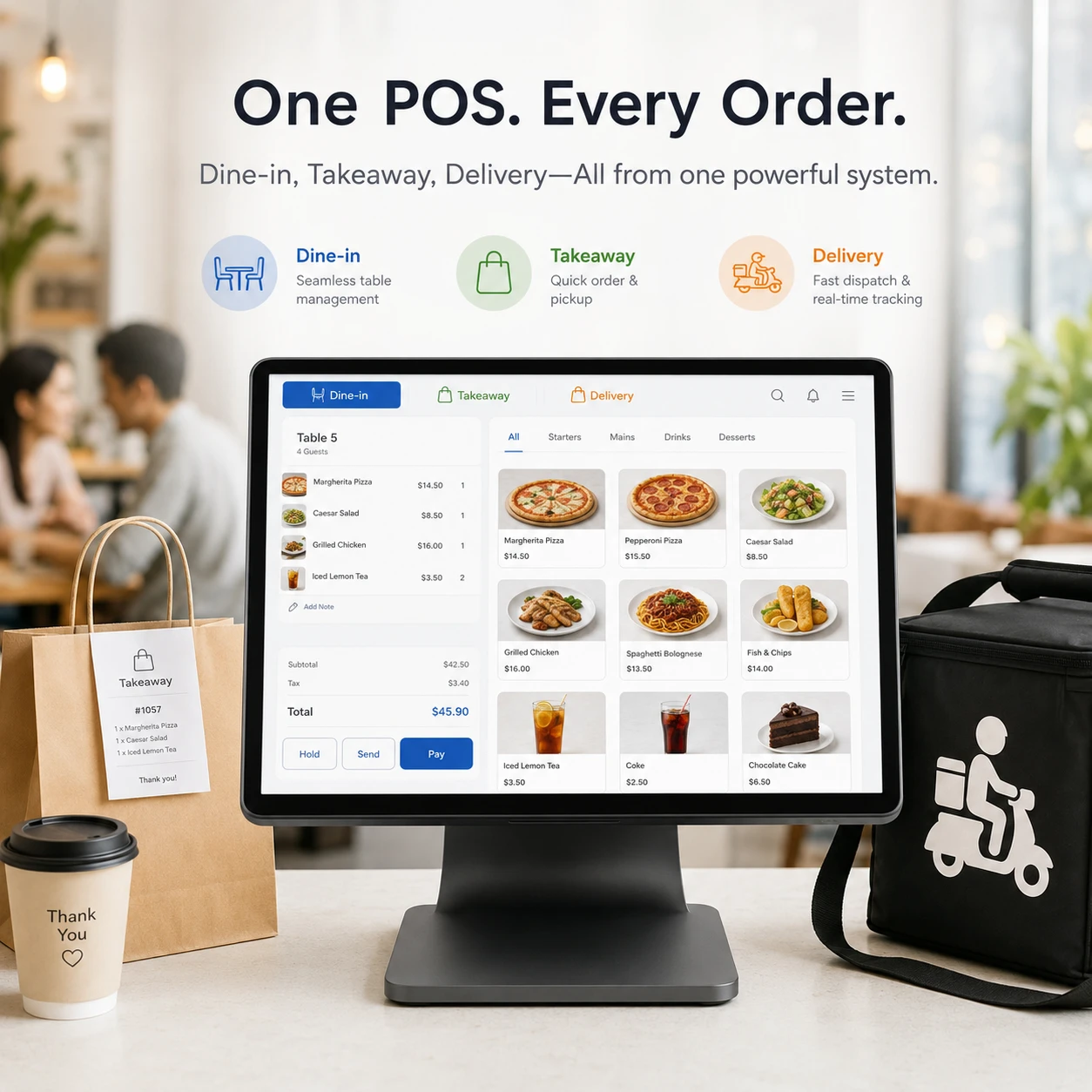
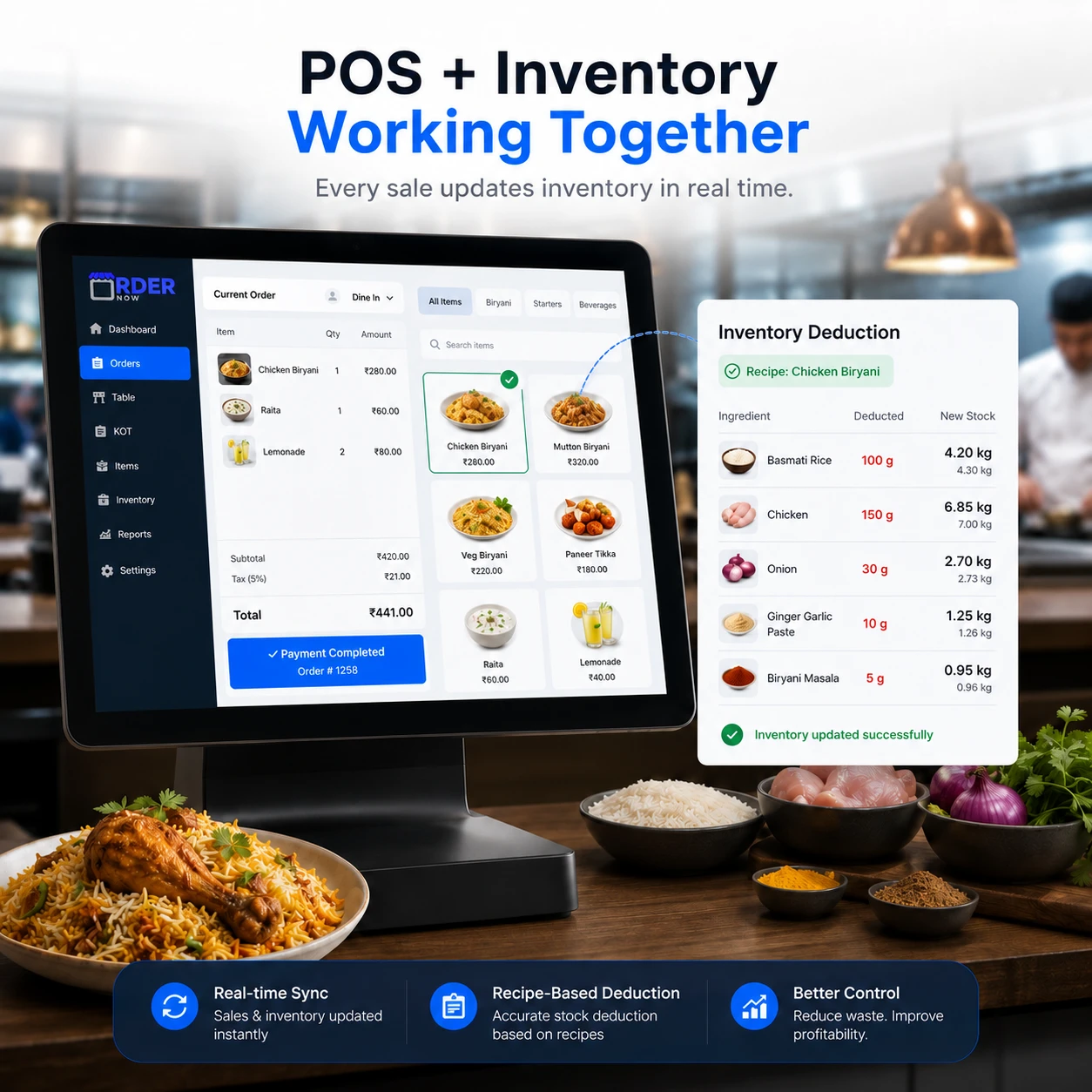
When OrderNow POS is connected with inventory and recipes, sold menu items can deduct ingredients based on the recipe. This helps restaurants maintain better stock accuracy and understand food cost after real sales activity.
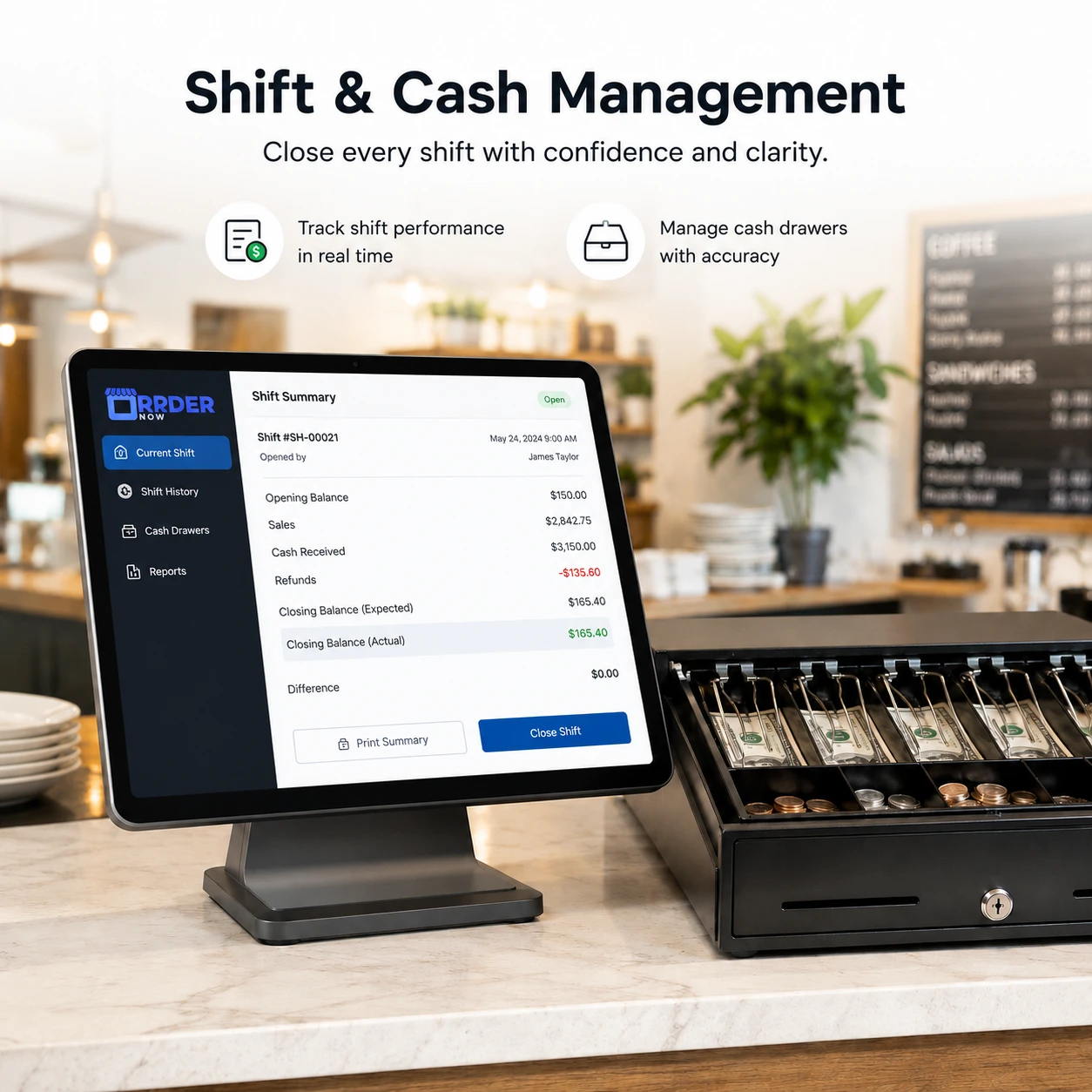
OrderNow POS supports shift workflows such as opening balance, cashier activity, cash drawer tracking and shift reporting. This helps managers understand what happened during each shift and reduce end-of-day confusion.
Every order processed through OrderNow POS can support better reporting. Restaurant owners can view sales by date, payment method, item, category and order type, helping them understand what is selling and where operations can improve.

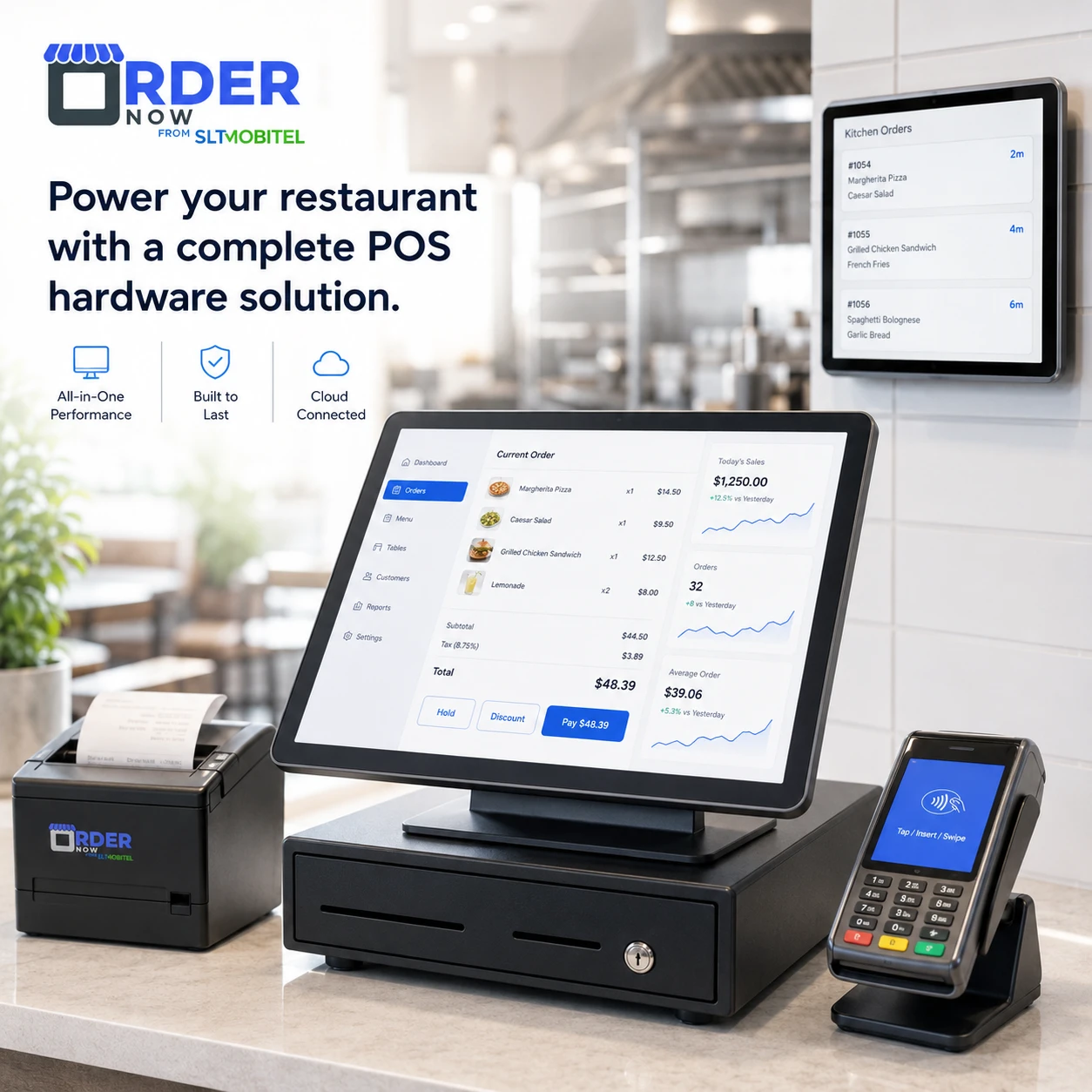
OrderNow POS can support practical restaurant counter setups such as a POS terminal, thermal receipt printer, cash drawer and kitchen display workflow. Hardware recommendations can be provided based on restaurant size, counter setup and service model.
Use OrderNow POS for dine-in restaurants, fast-moving cafes, hotels, cloud kitchens, bars, food courts and takeaway counters.
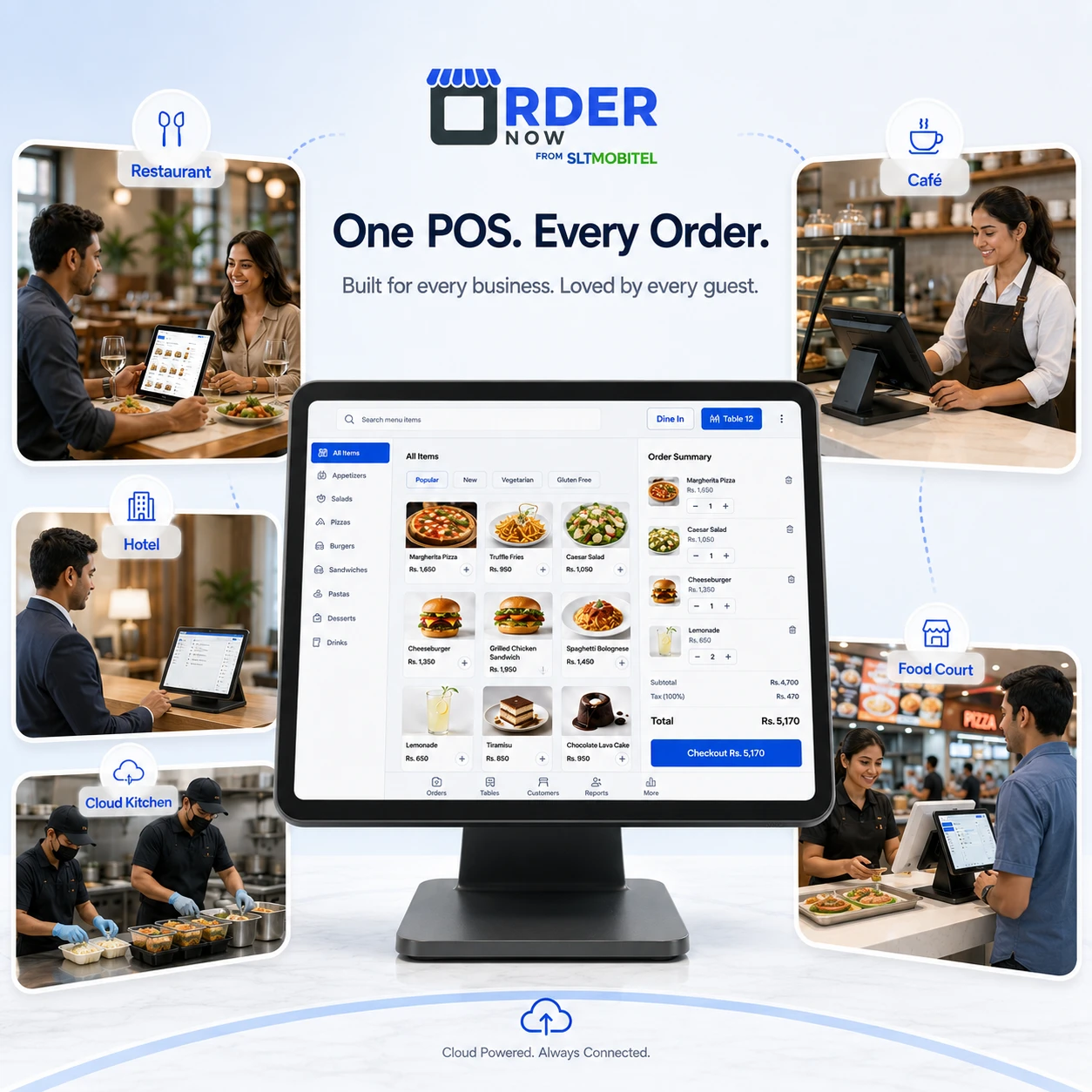
Dine-in, table orders, KOT and billing
Fast counter orders, modifiers and receipts
F&B outlet billing and service control
Kitchen order flow and delivery handling
Quick service order queues and receipts
Fast billing, split payments and table service
Quick order entry, payment and printing
Scheduled orders and larger order handling
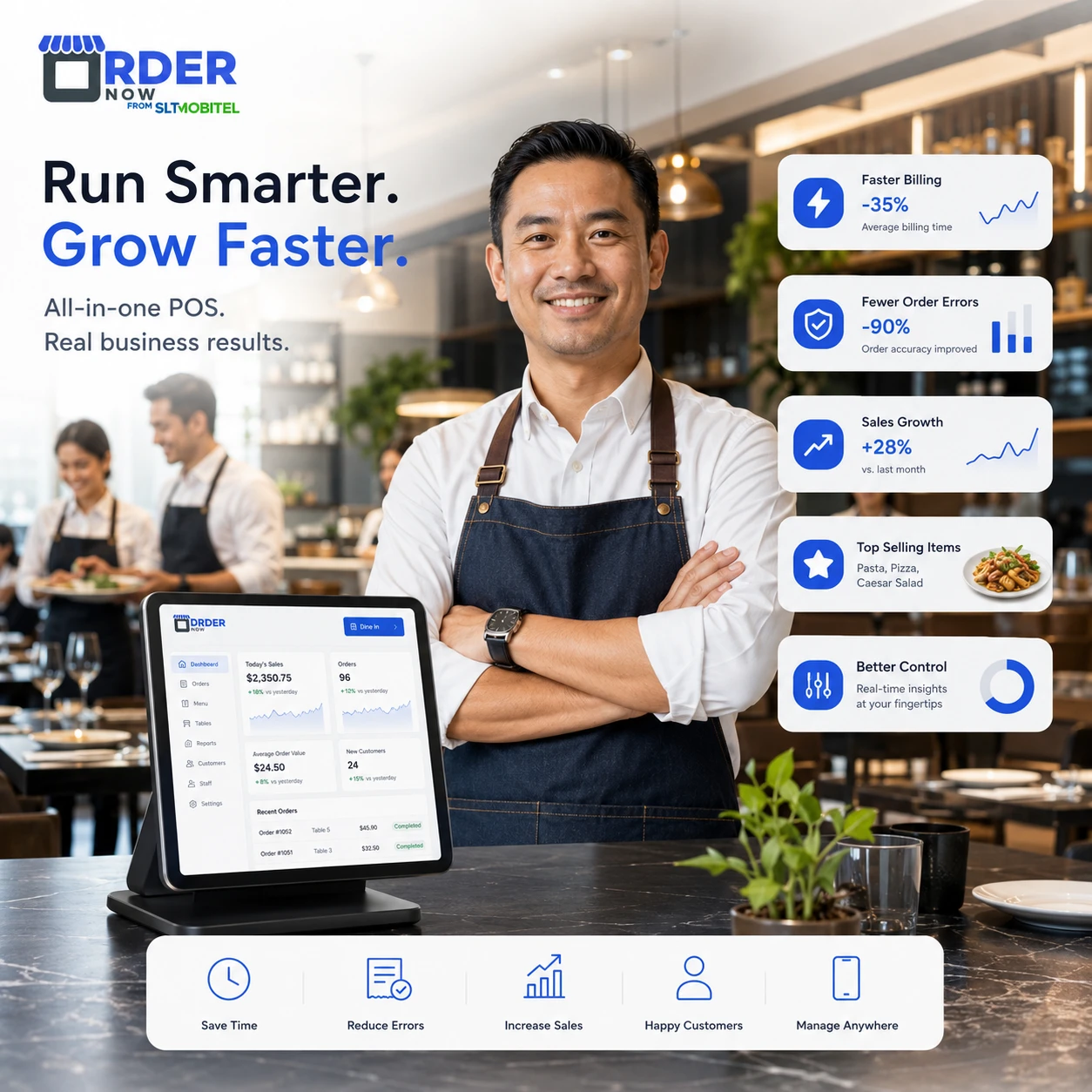
A restaurant POS should reduce operational mistakes, speed up billing and give owners better visibility. OrderNow POS is built around those practical restaurant problems.
Clear answers for restaurant owners comparing POS, KOT, billing and order management systems.
OrderNow POS is a restaurant point of sale system built for dine-in, takeaway, delivery, counter orders, phone orders, KOT, billing, payments, receipts, staff workflows and sales reporting.
A normal billing system usually focuses only on creating bills. OrderNow POS is connected with restaurant workflows such as order types, menu items, kitchen KOT, payments, inventory deduction, staff shifts and reports.
Yes. OrderNow POS supports dine-in, takeaway and delivery orders from one connected system, helping restaurants manage all order channels without separate tools.
Yes. Orders can be sent to a kitchen display system or KOT printer with item quantities, notes, preparation status and kitchen workflow visibility.
Yes. OrderNow POS supports split payment workflows along with multiple payment methods such as cash, card machine, QR payment and online card payment.
Yes. OrderNow POS supports thermal receipt printing and digital receipt options such as email receipts and e-bills.
Yes. OrderNow POS supports cash drawer workflows, opening balance, cashier activity and shift reports for better end-of-day control.
Yes. When connected with OrderNow Inventory and recipes, POS sales can deduct ingredients according to the recipe linked to each menu item.
Yes. The POS interface is designed to be touch-friendly, with quick item selection, category browsing, search, cart updates and simple payment handling.
Yes. OrderNow POS can support restaurants, cafes, hotels, cloud kitchens, food courts, bars, pubs and takeaway counters.
OrderNow POS helps restaurants manage orders, kitchen tickets, payments, receipts, staff workflows, inventory connection and sales reports from one connected platform.
Fill this and it will open WhatsApp with the lead details ready to send.